Info Inlet LogoInfo Inlet

Subscription tracker for iPhone & iPad
A subscription tracker that stops you overpaying

Thrift Meld tracks every recurring payment, from streaming and music to gym and cloud storage. It reminds you before each renewal and its AI savings advisor finds ways to cut what you spend each month.

  • Free to download
  • Free plan available
  • Renewal alerts before you’re charged
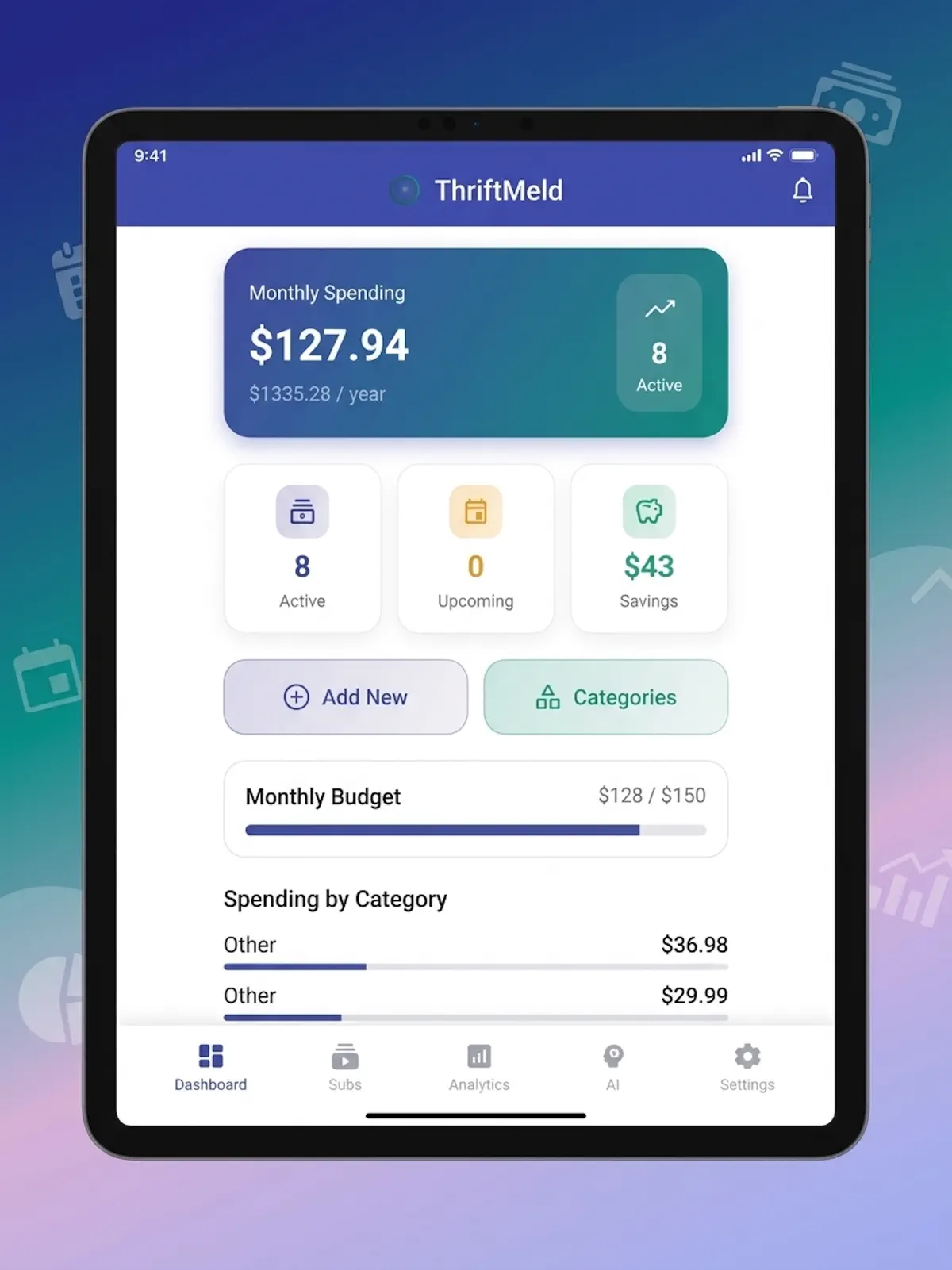
Thrift Meld on iPad
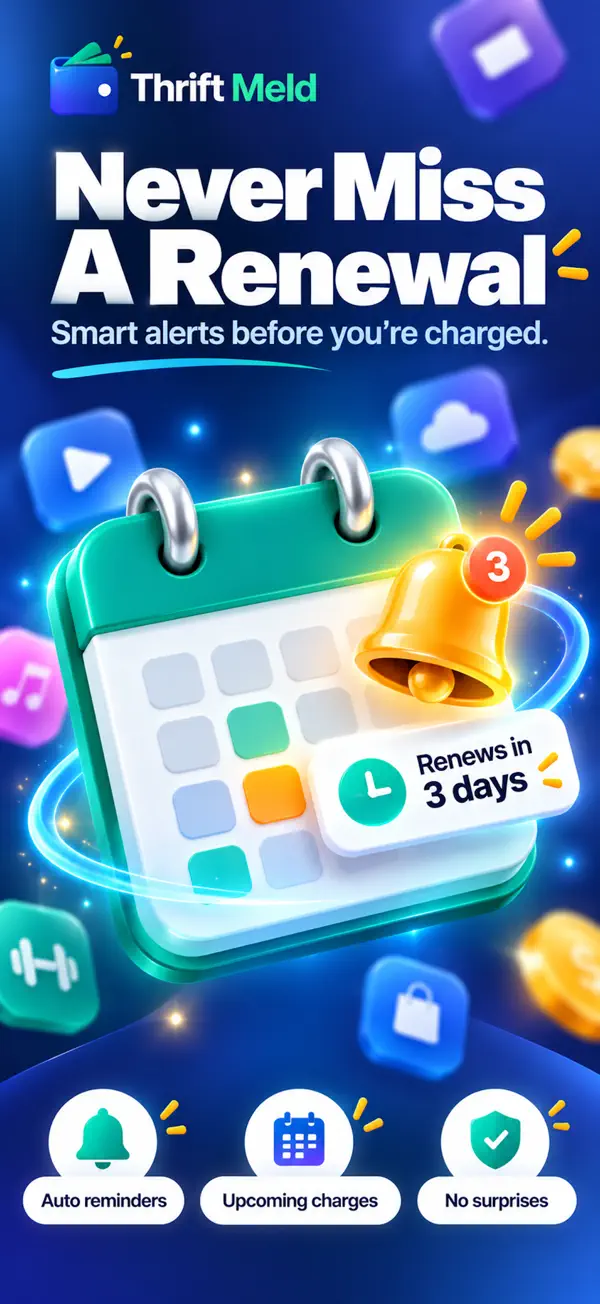
Never miss a renewal

Thrift Meld

Never miss a renewal

20+
categories, plus custom
12 months
of spending history
CSV & PDF
data export
Free
plan available

How it works

How to track your subscriptions with Thrift Meld

  1. 1

    Add your subscriptions

    Add each recurring payment, such as streaming, music, gym or cloud storage, and sort it into one of 20+ categories or your own.

  2. 2

    Set your budget

    Set a monthly or yearly budget and get an alert as you get close to it.

  3. 3

    Get renewal alerts

    Thrift Meld reminds you before each billing cycle, so a renewal never surprises you.

  4. 4

    Act on AI savings tips

    Ask the AI savings advisor for cheaper plans, overlapping services and subscriptions you no longer use.

Features

Everything you need to manage recurring bills

Thrift Meld: All your subscriptions on one dashboard
01

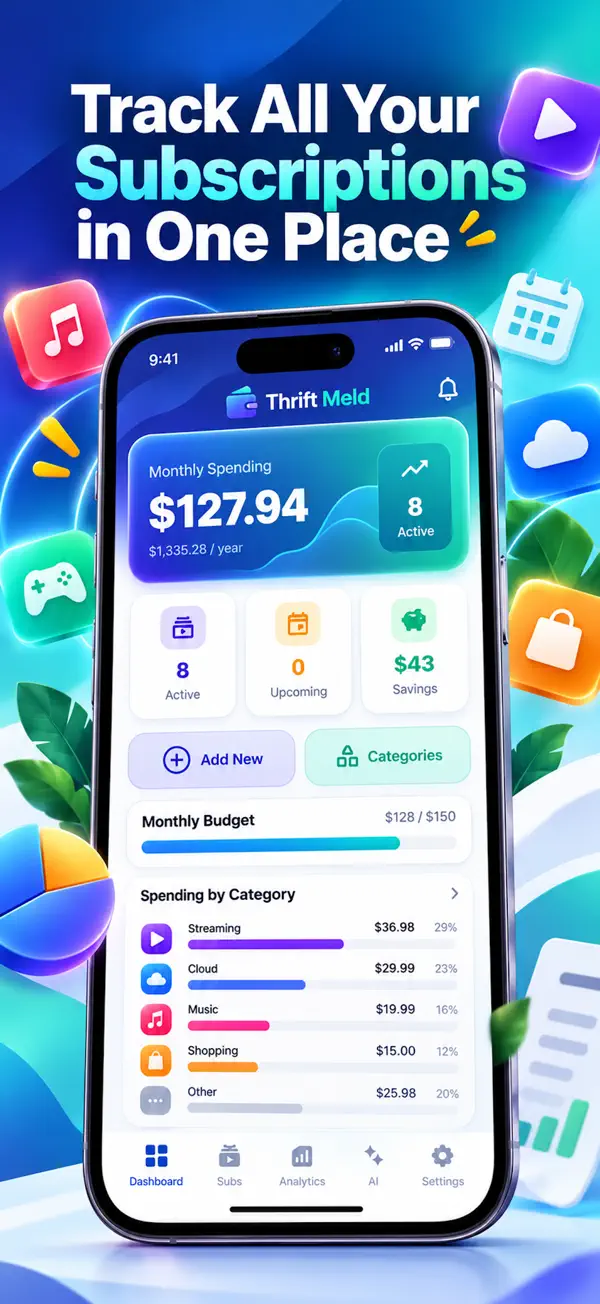
All your subscriptions on one dashboard

See your monthly spending, what it adds up to over a year, how many subscriptions are active, what is coming up and how much you have saved.

  • Monthly and yearly totals
  • Monthly budget bar
  • Spending by category
  • Add new or browse categories

Thrift Meld: An AI advisor that finds savings
02

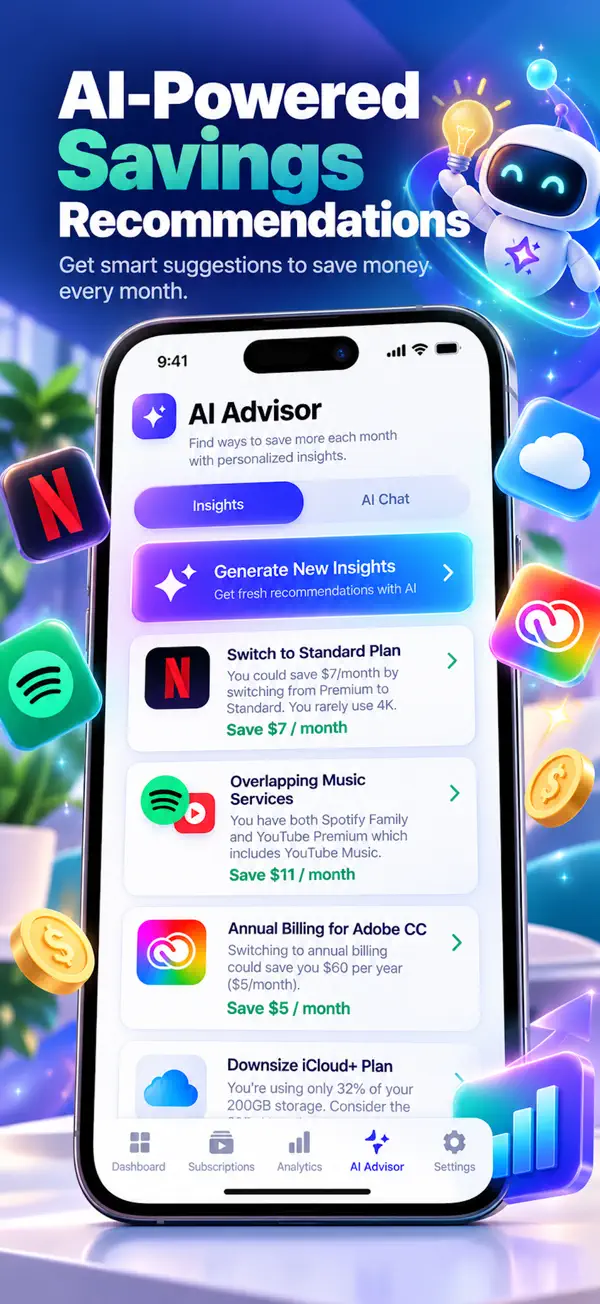
An AI advisor that finds savings

The AI Advisor looks at what you pay for and suggests ways to cut costs, such as a cheaper plan, overlapping services or switching to annual billing, with the saving shown for each.

  • Personalised insights
  • AI chat for questions
  • Cheaper alternatives suggested
  • Saving shown per month
Thrift Meld: Every subscription, easy to manage
03

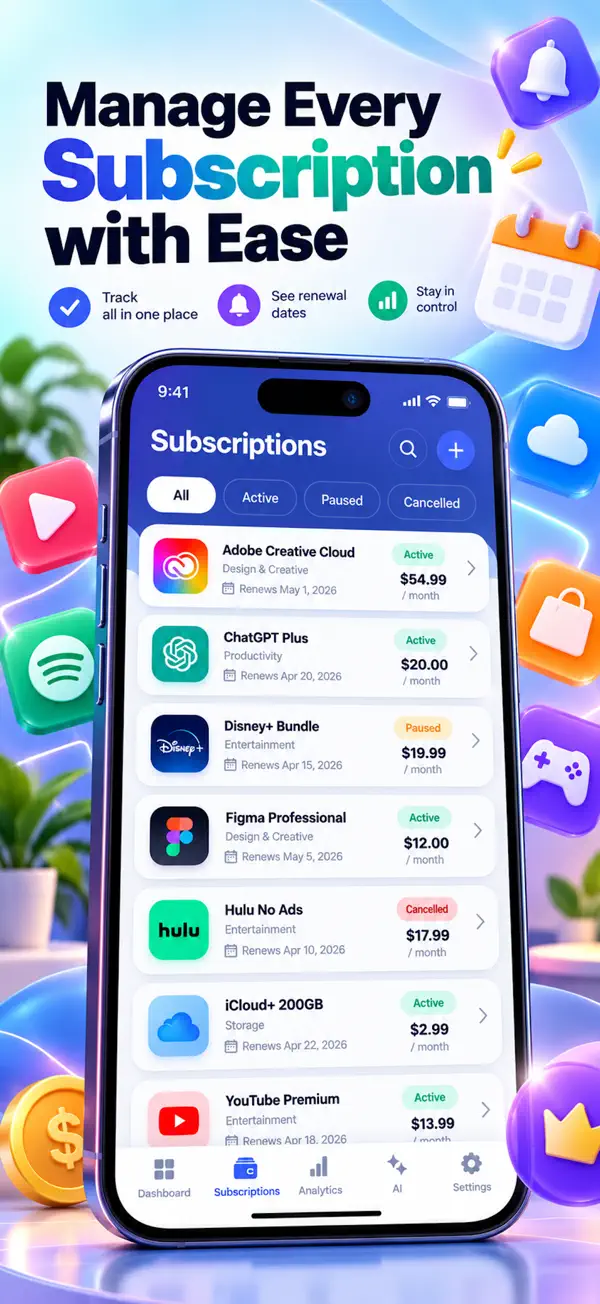
Every subscription, easy to manage

Your subscriptions list shows each service with its category, price and next renewal date. Filter by active, paused or cancelled.

  • Renewal date for each service
  • Active, paused and cancelled filters
  • Search your list
Thrift Meld: Alerts before every renewal
04

Alerts before every renewal

Smart renewal alerts arrive before each billing cycle, so you can decide whether to keep a service before you’re charged.

  • Auto reminders
  • Upcoming charges
  • No surprise renewals
Thrift Meld: Monthly, yearly and weekly bills in one place
05

Monthly, yearly and weekly bills in one place

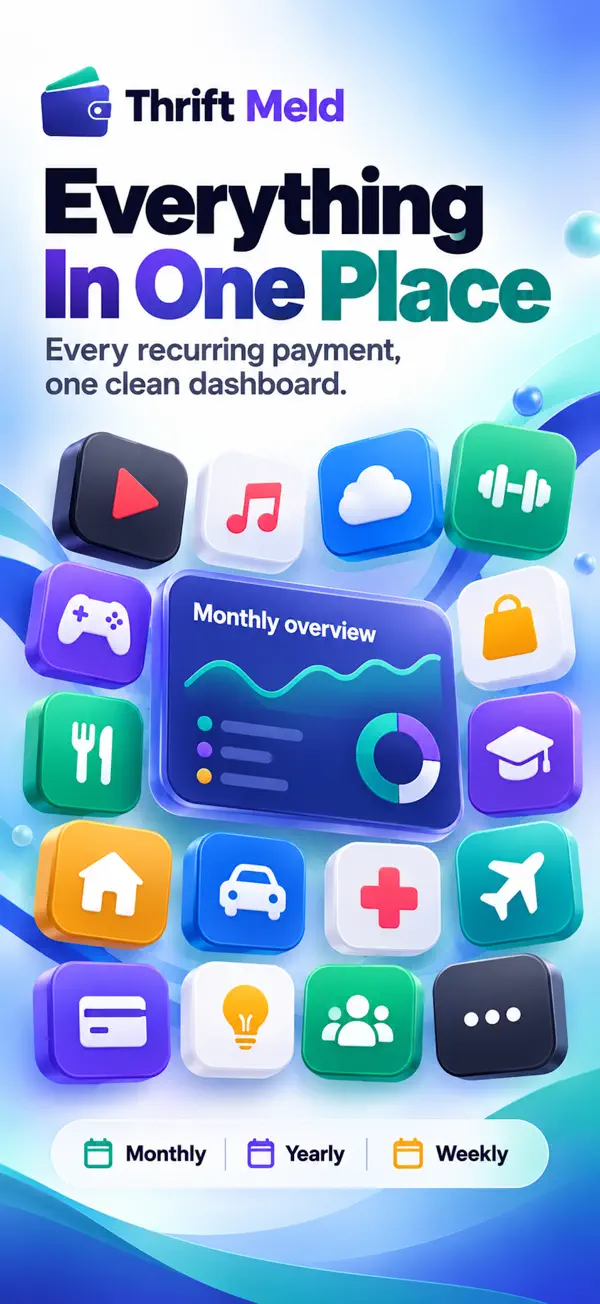
Every recurring payment sits in one clean dashboard, whether it bills weekly, monthly or yearly.

  • 20+ categories plus custom ones
  • Monthly overview
  • Weekly, monthly and yearly cycles

Every screen in Thrift Meld

  • Thrift Meld screenshot 1
  • Thrift Meld screenshot 2
  • Thrift Meld screenshot 3
  • Thrift Meld screenshot 4
  • Thrift Meld screenshot 5
  • Thrift Meld screenshot 6
  • Thrift Meld screenshot 7

Also in the app

More in Thrift Meld

  • Spending analytics

    Visual charts of your spending with a 12-month history.

  • Unused subscription detection

    Find the subscriptions you pay for but no longer use.

  • Budget tracking

    Monthly and yearly budgets with alerts.

  • Export to CSV and PDF

    Take your subscription data with you.

  • Achievements and streaks

    Stay on top of your bills and earn achievements along the way.

  • Privacy first

    Industry-standard encryption, and your personal information is never sold.

Who it’s for

Who uses Thrift Meld

  • Anyone with too many subscriptions

    See every streaming, music, app and cloud subscription in one list and stop paying for the ones you forgot.

  • Budgeters

    Set a monthly or yearly budget for recurring bills and get an alert before you go over it.

  • Households

    Keep gym, storage, entertainment and other recurring payments in one place with a reminder before each one renews.

Pricing

Start free, go Pro when you need it

Thrift Meld is free to download with a free plan. Thrift Meld Pro removes the limits.

Download on theApp Store

Pro monthly

$7.99

per month

Pro yearly

$39.99

per year

  • Unlimited subscription tracking
  • Advanced AI insights
  • Priority support

US prices; the App Store shows the price for your country. Payment is charged to your Apple ID at purchase. Subscriptions auto-renew unless turned off at least 24 hours before renewal. Manage and cancel any time in your App Store account settings.

Your financial data is yours

  • Thrift Meld uses industry-standard encryption.
  • Your personal information is never sold.
  • Subscriptions are billed to your Apple ID and can be cancelled any time in your App Store account settings.

Thrift Meld questions

What is Thrift Meld?

Thrift Meld is a subscription and bill tracker for iPhone and iPad. It keeps every recurring payment in one place, alerts you before renewals and uses AI to suggest ways to save.

Is Thrift Meld free?

Yes, Thrift Meld is free to download and has a free plan. Thrift Meld Pro adds unlimited subscription tracking, advanced AI insights and priority support.

How much does Thrift Meld Pro cost?

Thrift Meld Pro costs $7.99 a month or $39.99 a year (US prices). The App Store shows the price for your country.

Will Thrift Meld remind me before a subscription renews?

Yes. Smart renewal alerts arrive before every billing cycle.

How does Thrift Meld help me save money?

Its AI savings advisor suggests cheaper plans and alternative services, spots overlapping services and detects subscriptions you don’t use.

Can I set a budget for my subscriptions?

Yes. Set a monthly or yearly budget and Thrift Meld alerts you as you approach it.

Can I export my subscription data?

Yes, you can export your data to CSV and PDF.

Which devices does Thrift Meld work on?

iPhone and iPad running iOS 15 or later. Download it from the App Store.

Thrift Meld

See every subscription, keep more of your money

Download Thrift Meld free on the App Store and get a reminder before every renewal.

Download on theApp Store