Info Inlet LogoInfo Inlet

AI video dubbing for iPhone & iPad
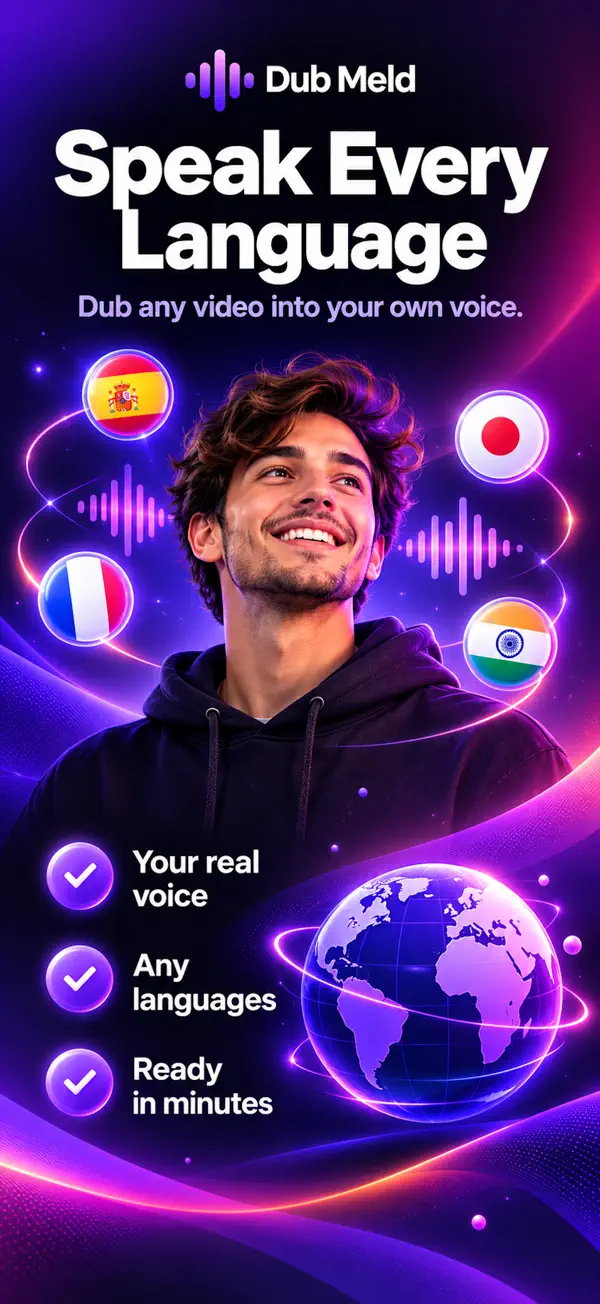
Dub your videos into 34 languages, in your own voice

Dub Meld is the mobile-first AI voice dubbing studio for creators, educators and teams. Upload a video, clone your voice with consent, and AI translates and re-voices it, keeping your tone, energy and style.

  • Free to download
  • 7-day free trial
  • Lip-sync on 19 languages
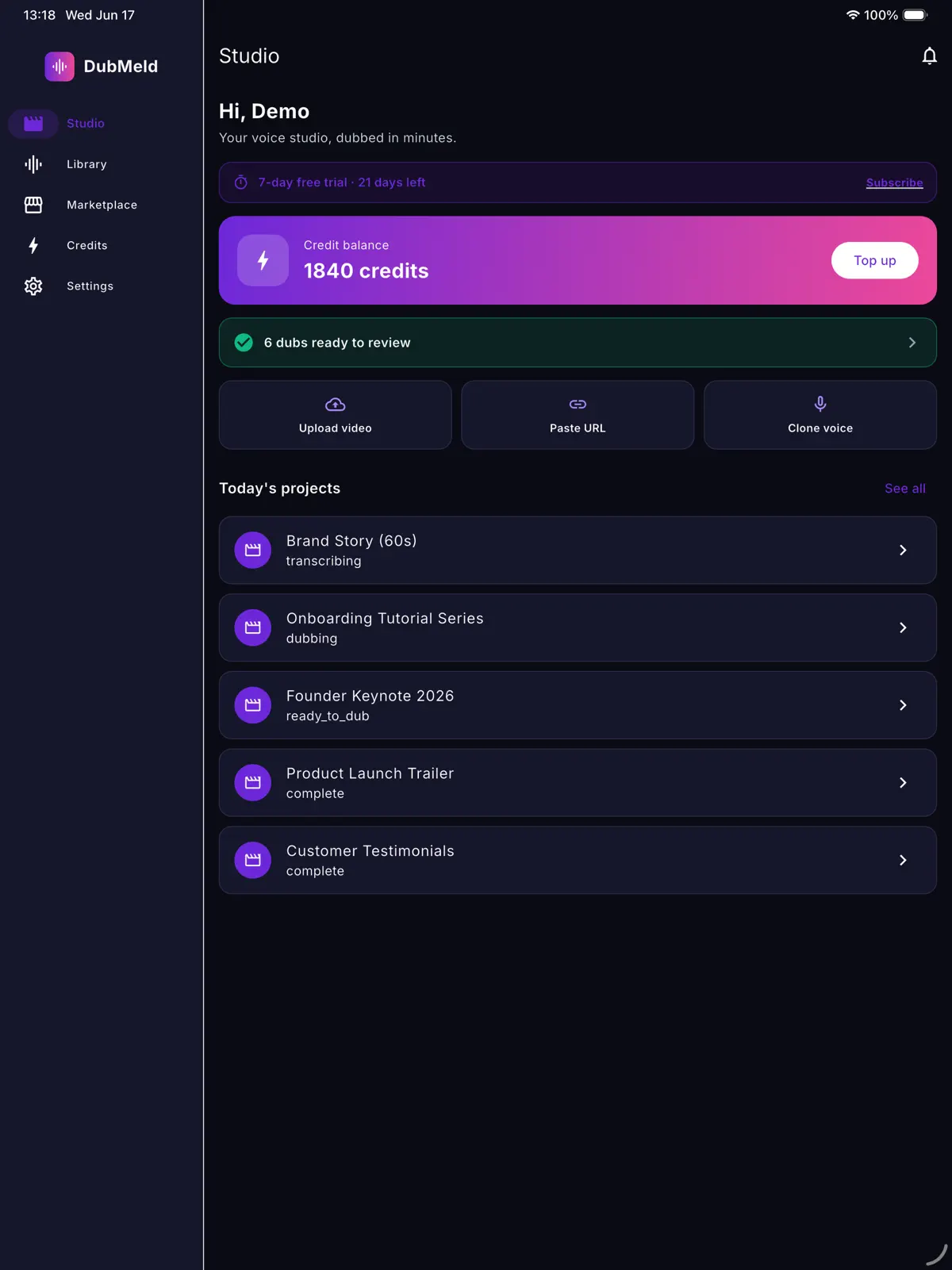
Dub Meld on iPad
Speak every language

Dub Meld

Speak every language

34
languages
19
with lip-sync
7 days
free trial
.srt
captions export

How it works

How to dub a video with Dub Meld

  1. 1

    Add your video

    Record with the in-app camera, pick a clip from your library, or paste a video URL, then trim it.

  2. 2

    Choose languages and a voice

    Pick target languages and a studio voice or your own consented clone. The AI Script Coach flags lines that will not translate well.

  3. 3

    Review the transcript

    Check the auto-generated transcript with speaker labels before anything renders.

  4. 4

    Download and publish

    Get the dubbed video, the audio track, or captions as an .srt file.

Features

Everything you need to dub a video on your phone

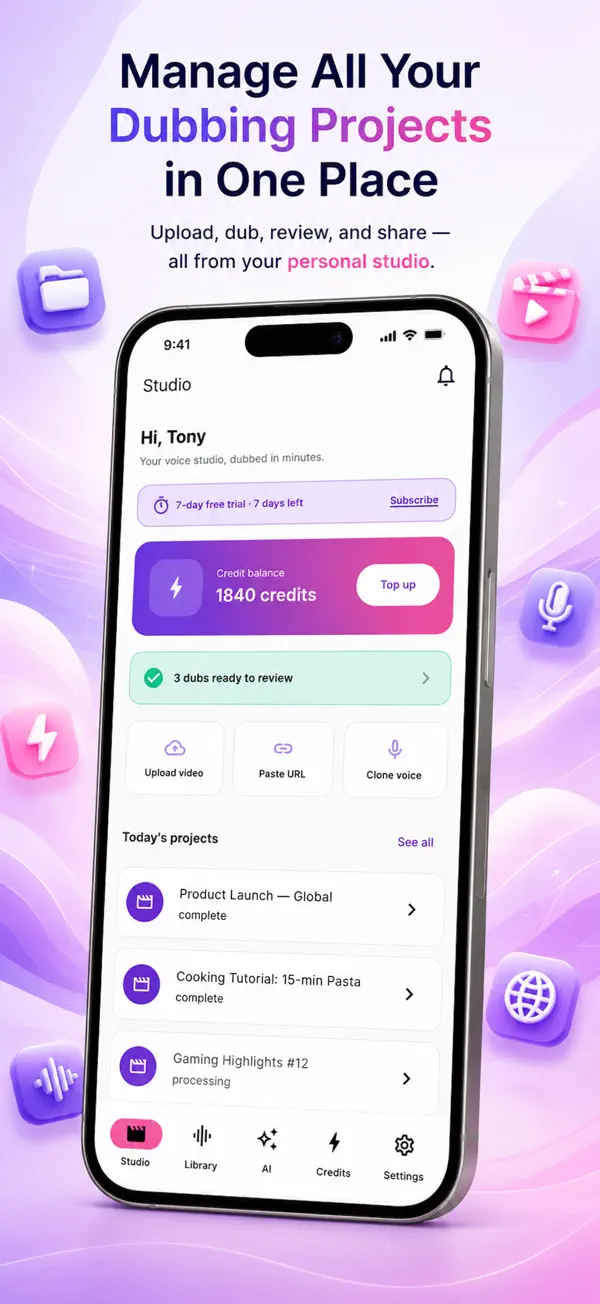
Dub Meld: All your dubbing projects in one studio
01

All your dubbing projects in one studio

Upload, dub, review and share from your personal studio. Shoot a clip in the app, pick one from your library or paste a video URL, then trim it before you dub.

  • Upload a video or paste a URL
  • Record with the in-app camera
  • Today’s projects and dubs ready to review
  • Real-time progress notifications
Dub Meld: Sound like you, in every language
02

Sound like you, in every language

Clone your voice from one short sample and speak every language in it. Every clone needs explicit recorded consent from the speaker, so nobody can be cloned without permission.

  • One short sample
  • Dated consent statement, audio and video
  • Optional identity verification
  • Delete any clone at any time
Dub Meld: Lips that match the new language
03

Lips that match the new language

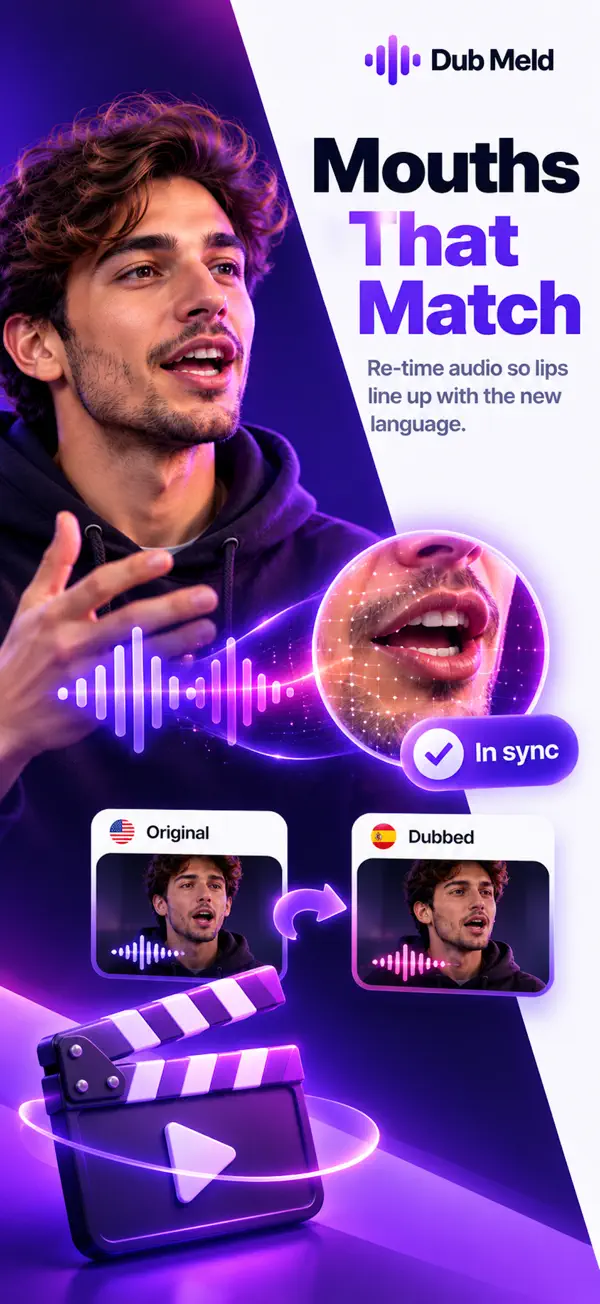
Lip-sync re-times the dubbed audio so lips line up with the new language, so your video looks as natural as it sounds. Available on 19 languages with Dub Meld Pro.

  • Lip-sync on 19 languages
  • Original and dubbed side by side
  • Your tone and energy kept
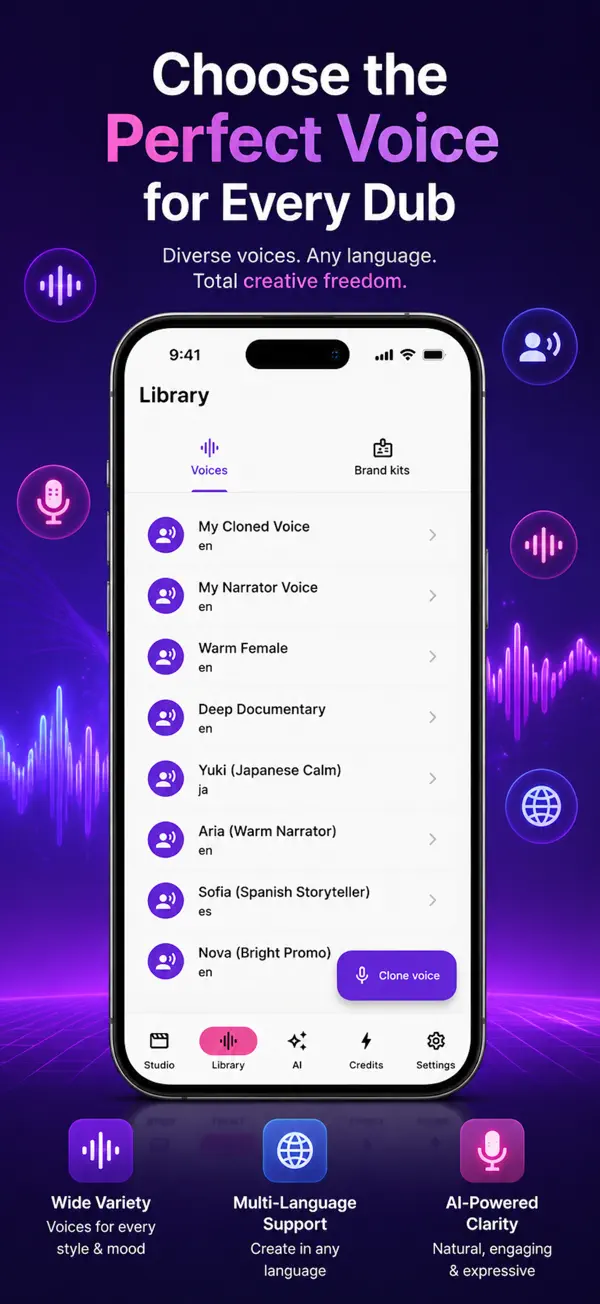
Dub Meld: Choose the perfect voice for every dub
04

Choose the perfect voice for every dub

Pick your own cloned voice or a studio voice for each project: narrators, warm and calm voices, documentary and promo styles, in many languages.

  • Your cloned voices
  • Studio voices for every style and mood
  • Multilingual voices
  • Brand kits for your channel
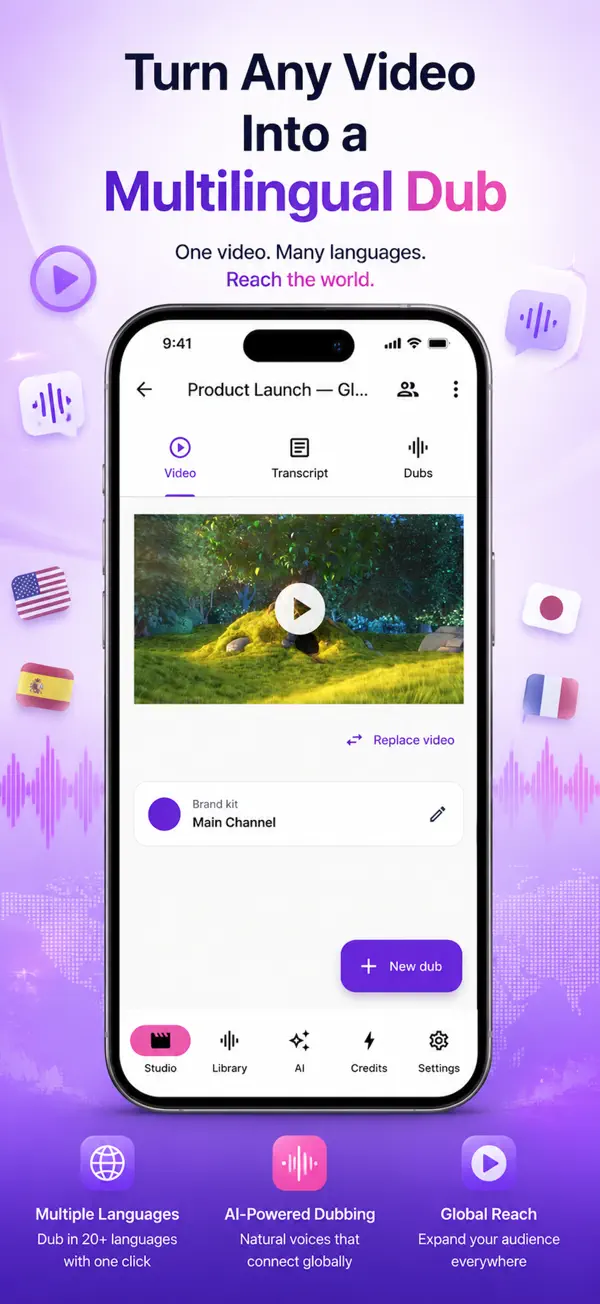
Dub Meld: Turn any video into a multilingual dub
05

Turn any video into a multilingual dub

One video, many languages. Each project keeps the video, its transcript with speaker labels, and every dub you make from it in one place.

  • Video, transcript and dubs in one project
  • Review the transcript before rendering
  • AI Script Coach for each language
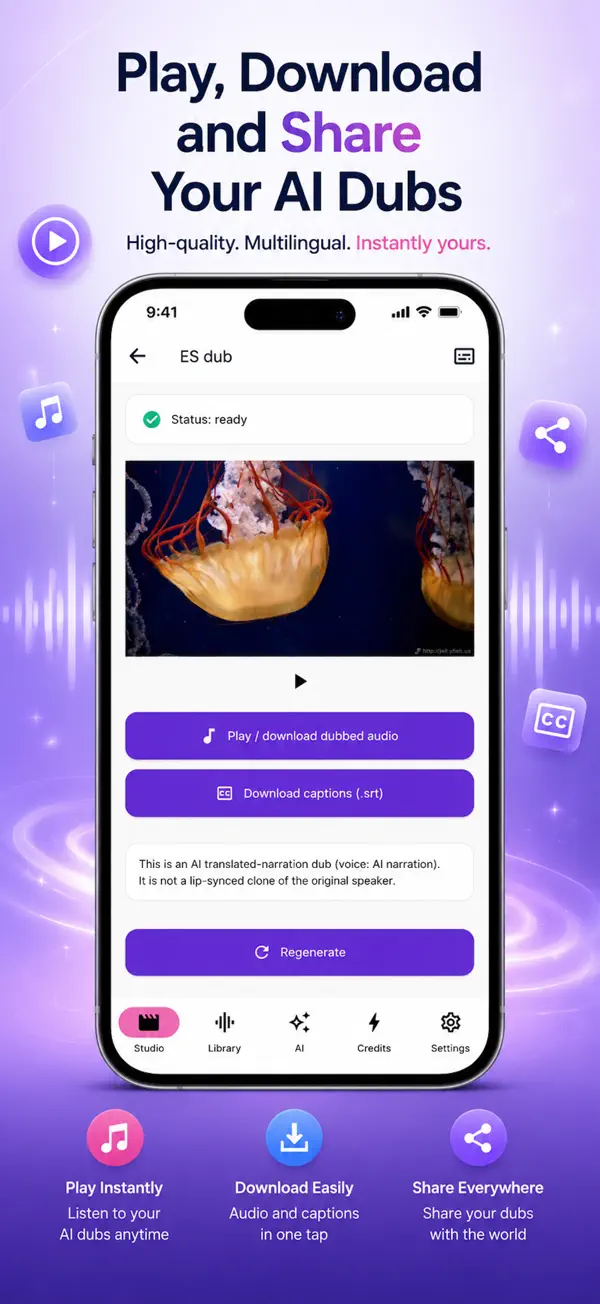
Dub Meld: Play, download and share
06

Play, download and share

Listen to your dub in the app, then download the dubbed video, the audio track on its own, or the captions as an .srt file, and share it anywhere.

  • Play your dubs any time
  • Download audio and .srt captions
  • Share everywhere

Languages

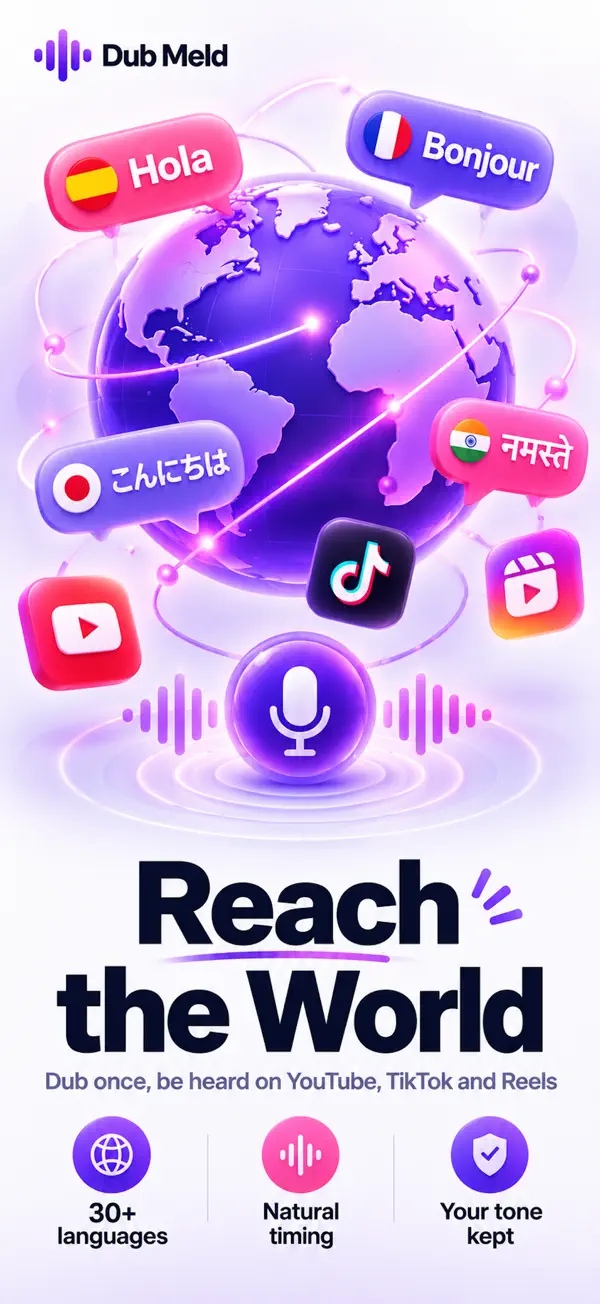
Dub videos into 34 languages

Full voice support on the top 20 languages and lip-sync on 19.

  • English
  • Spanish
  • French
  • German
  • Italian
  • Portuguese (Brazil)
  • Portuguese (Portugal)
  • Japanese
  • Korean
  • Chinese (Simplified)
  • Chinese (Traditional)
  • Hindi
  • Arabic
  • Russian
  • Turkish
  • Indonesian
  • Vietnamese
  • Thai
  • Malay
  • Bengali
  • Tamil
  • Telugu
  • Polish
  • Dutch
  • Swedish
  • Danish
  • Norwegian
  • Finnish
  • Czech
  • Romanian
  • Ukrainian
  • Hebrew
  • Greek
  • Urdu

Every screen in Dub Meld

  • Dub Meld screenshot 1
  • Dub Meld screenshot 2
  • Dub Meld screenshot 3
  • Dub Meld screenshot 4
  • Dub Meld screenshot 5
  • Dub Meld screenshot 6
  • Dub Meld screenshot 7
  • Dub Meld screenshot 8
  • Dub Meld screenshot 9
  • Dub Meld screenshot 10

Also in the app

More in Dub Meld

  • AI Script Coach

    Reviews your script for idioms that won’t localise, gendered-noun ambiguity, tone mismatches and cultural pitfalls in each language.

  • Transcript and captions

    Auto-generated transcript with speaker labels, and captions you can download as an .srt file.

  • Brand kits

    Reuse your logos, colours and intro clips across every dub.

  • Team workspaces

    Invite collaborators and share projects.

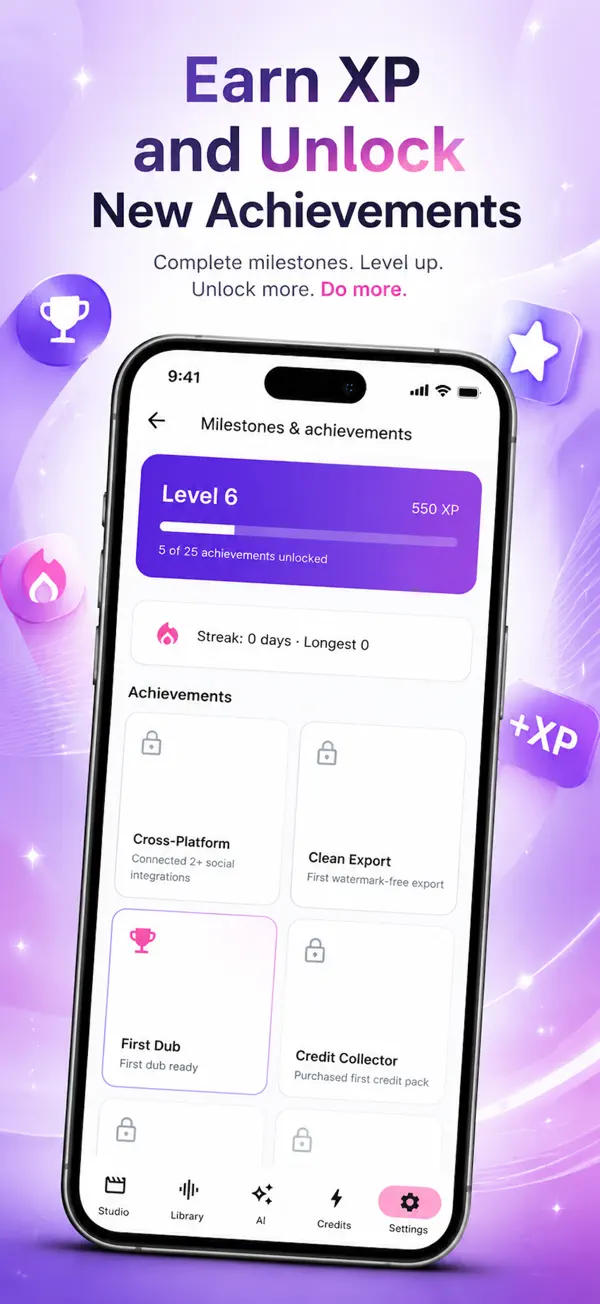
  • Levels and achievements

    Earn XP, build a streak and unlock badges as you dub.

  • Secure sign-in

    Email with a 6-digit code, Google Sign-In or Sign in with Apple.

Who it’s for

Who uses Dub Meld

  • Creators

    Take YouTube videos, Reels and shorts to viewers in other languages without re-recording.

  • Educators

    Dub lessons, tutorials and courses so students can learn in their own language.

  • Teams

    Localise product videos, onboarding and keynotes, with brand kits and shared workspaces.

Pricing

Start free, go Pro when you need it

Dub Meld is free to download. Every new account starts with a 7-day free trial, and no payment is taken during the trial.

Download on theApp Store

Pro monthly

$7.99

per month

Pro yearly

$39.99

per year

  • Unlimited dubbing
  • All 34 languages, no watermark
  • Voice cloning and lip-sync
  • Priority rendering
  • Unlimited AI Script Coach

US prices; the App Store shows the price for your country. Pro is an auto-renewable subscription billed to your Apple ID. Cancel any time in your Apple ID account settings, at least 24 hours before the period ends.

Consent-first by design

  • Every voice clone needs explicit, recorded consent from the speaker.
  • Free-tier outputs are watermarked to fight impersonation.
  • Consent records are encrypted at rest and never shared.
  • Clones can be locked to a project, so they can’t be reused without permission.

Dub Meld questions

What is Dub Meld?

Dub Meld is an AI video dubbing app for iPhone and iPad. It translates your video and re-voices it in another language, in a studio voice or your own cloned voice, keeping your tone and style.

How many languages can Dub Meld dub into?

34 languages, including Spanish, French, German, Japanese, Korean, Chinese, Hindi, Arabic, Portuguese, Bengali and Indonesian. The top 20 have full voice support and 19 have lip-sync.

Is Dub Meld free?

Dub Meld is free to download and every new account gets a 7-day free trial. Dub Meld Pro costs $7.99 a month or $39.99 a year (US prices) and adds unlimited dubbing, all 34 languages without a watermark, voice cloning, lip-sync and priority rendering.

Can I dub a video in my own voice?

Yes. Record a short consent statement and Dub Meld clones your voice, then speaks your translated script in it. You own your voice library and can delete a clone at any time.

Can I clone someone else’s voice?

Only with that person’s explicit, recorded consent. Dub Meld captures a dated consent statement in audio and video for every clone.

Does Dub Meld do lip-sync?

Yes, lip-sync is available on 19 languages and is included in Dub Meld Pro.

What can I download?

The dubbed video, the dubbed audio track on its own, or captions as an .srt file.

Can I dub a YouTube or online video?

You can paste a video URL into Dub Meld, as well as record in the app or upload from your library. Only dub videos you have the rights to.

Which devices does Dub Meld work on?

iPhone and iPad running iOS 15 or later. Download it from the App Store.

Dub Meld

Take your videos to every language

Download Dub Meld free on the App Store and start your 7-day free trial.

Download on theApp Store