Info Inlet LogoInfo Inlet

Spam call blocker for iPhone & iPad
A spam call blocker that stops scams before your phone rings

Screen Meld blocks spam and scam calls on the native iOS call screen and labels the ones worth a second look, using a community database that grows every time someone reports a number.

  • Free to download
  • 7-day free trial of Premium
  • Works even when the app is closed
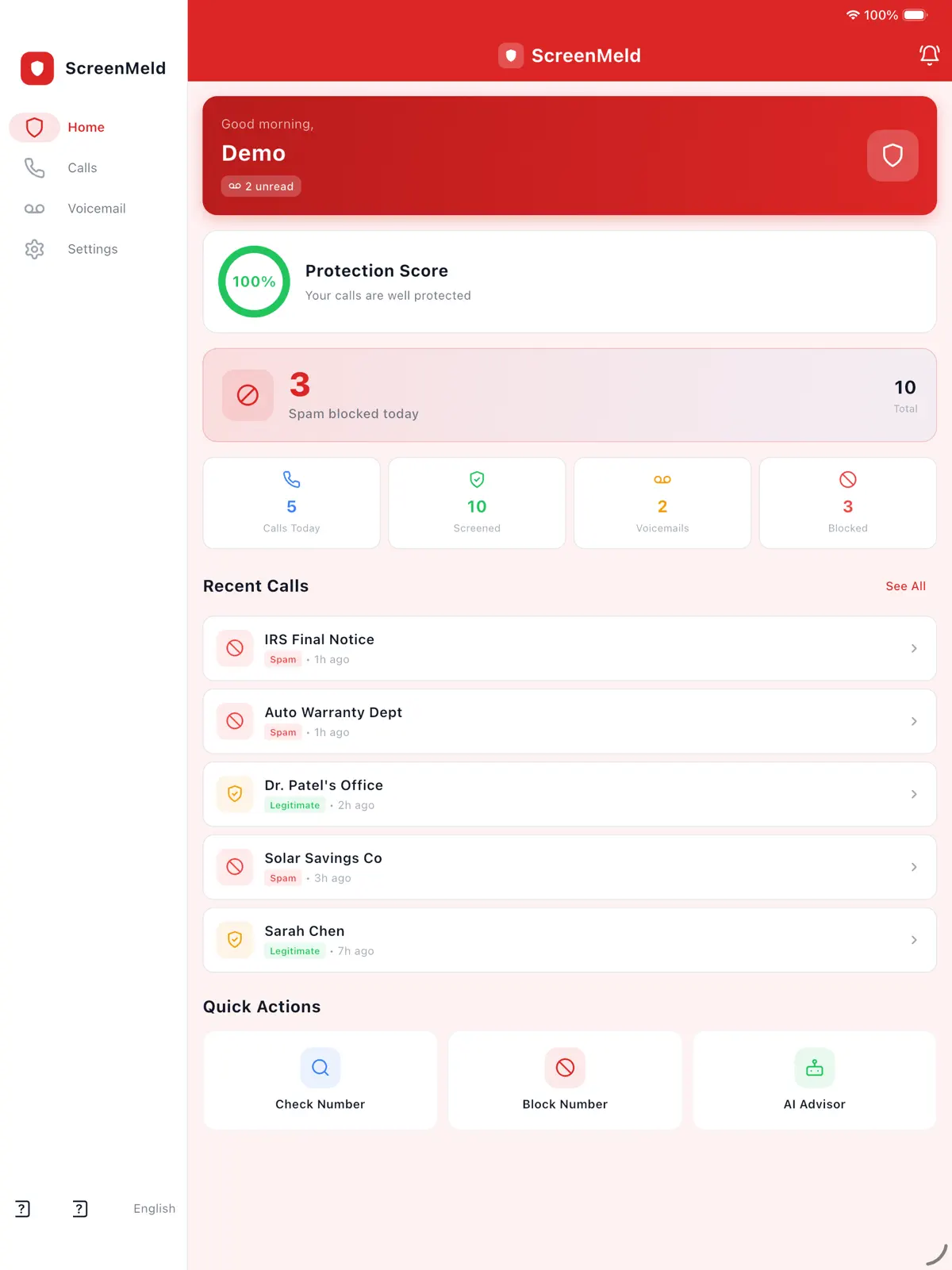
Screen Meld on iPad
Block spam before it rings

Screen Meld

Block spam before it rings

2 taps
to report a number
5
blocked numbers free
7 days
free Premium trial
Hashed
reported numbers

How it works

How to block spam calls on iPhone with Screen Meld

  1. 1

    Download and sign in

    Sign in with email and a 6-digit code, Google Sign-In or Apple Sign-In.

  2. 2

    Turn on call blocking

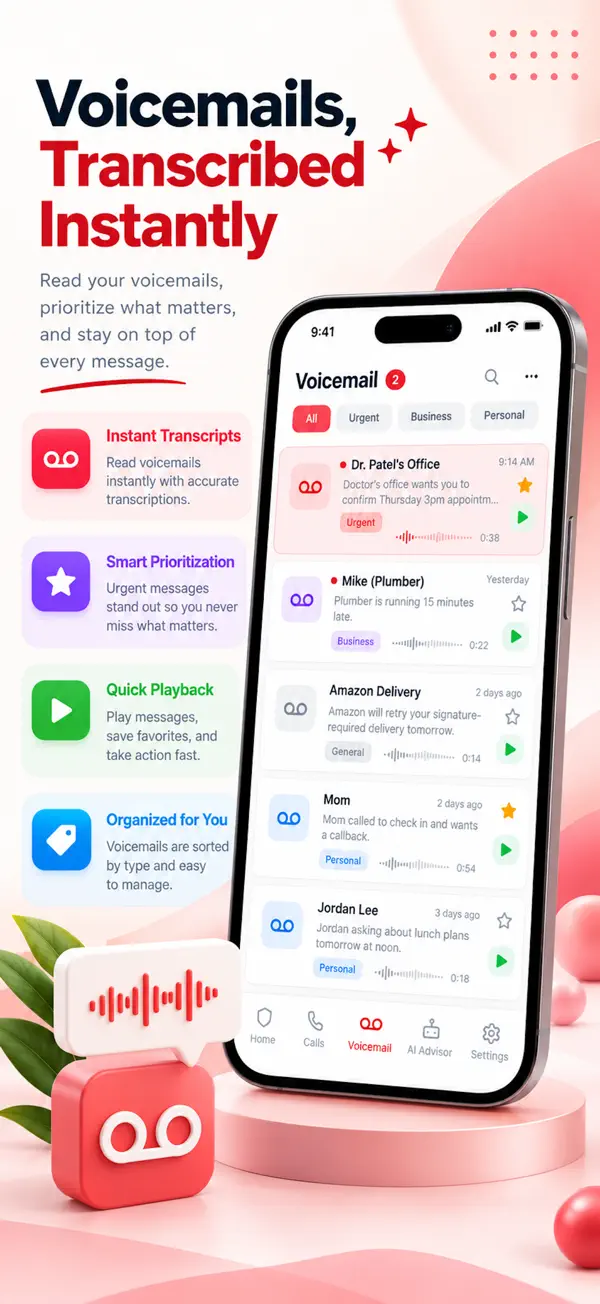
    Screen Meld hands spam numbers and your personal blocklist to iOS through the system call directory.

  3. 3

    Let iOS do the blocking

    High-confidence spam is blocked and reported numbers show a Spam label, whether or not the app is open.

  4. 4

    Look up and report numbers

    Check an unknown number before calling back, and report a scam in two taps to protect everyone else.

Features

Everything iOS allows to stop spam calls

Screen Meld: Spam blocked on the native call screen
01

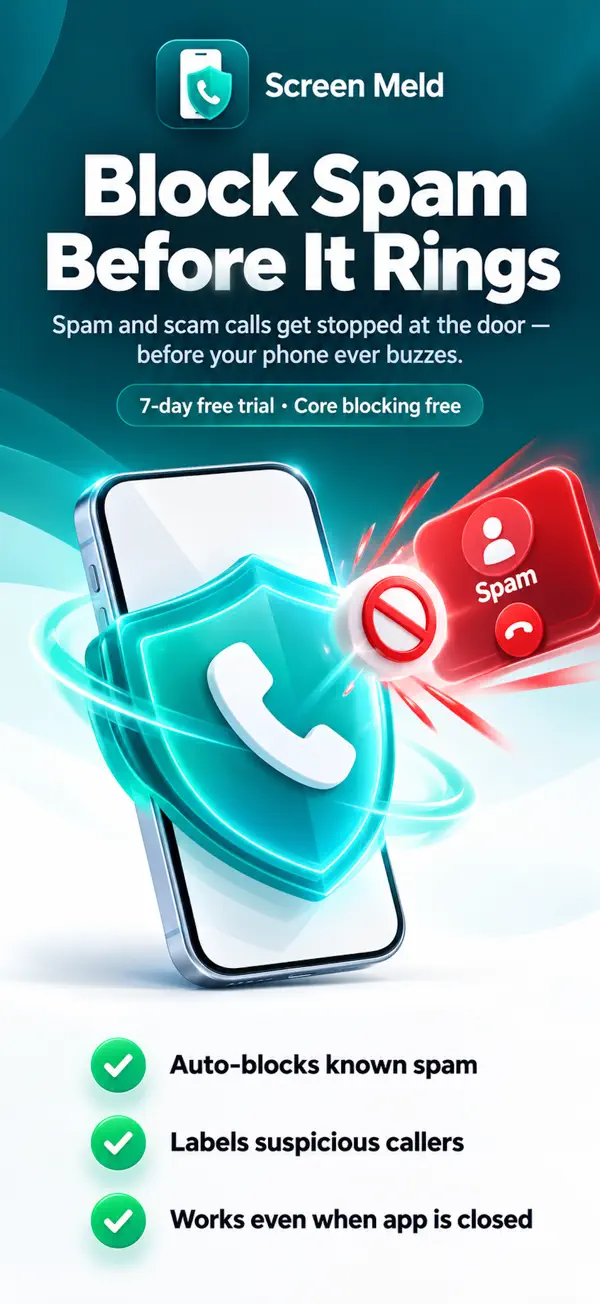
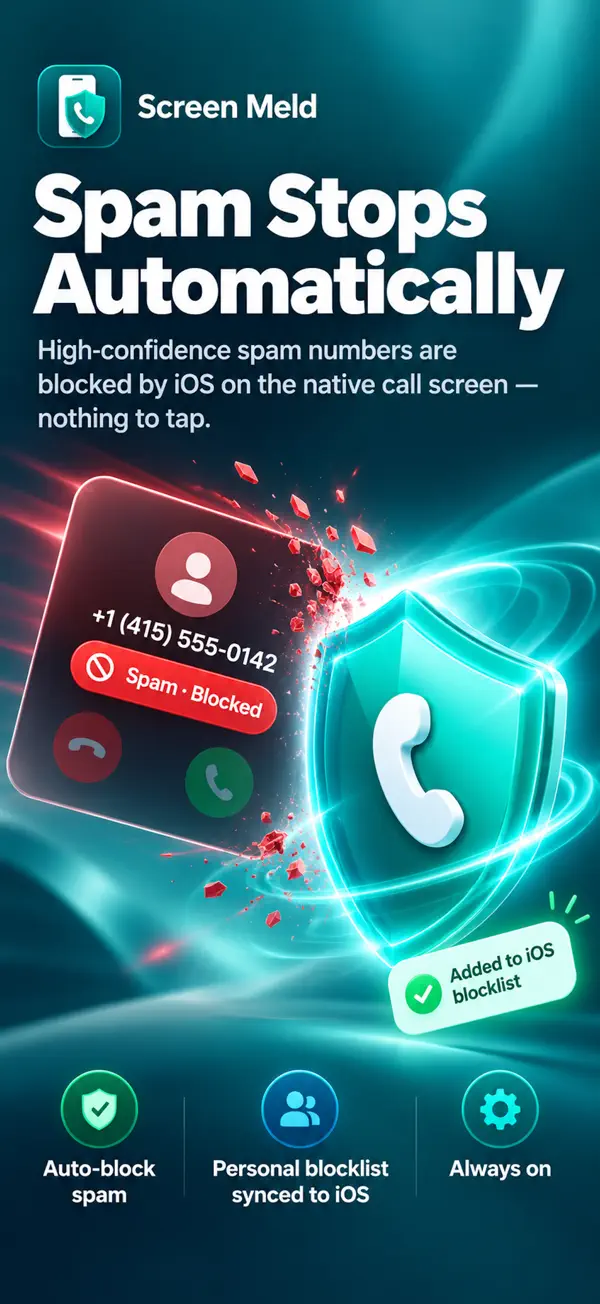
Spam blocked on the native call screen

High-confidence spam numbers are blocked by iOS itself, and your personal blocklist is added to iOS too. Blocking keeps working whether or not the app is open.

  • Auto-blocks known spam
  • Personal blocklist synced to iOS
  • Always on
Screen Meld: Suspicious callers labelled
02

Suspicious callers labelled

Reported numbers show a Spam label on the incoming-call screen, naming the pattern: robocall, fake tech support, tax-office impersonation or loan offer.

  • Spam label on incoming calls
  • Pattern named in the label
  • Updated as the community reports
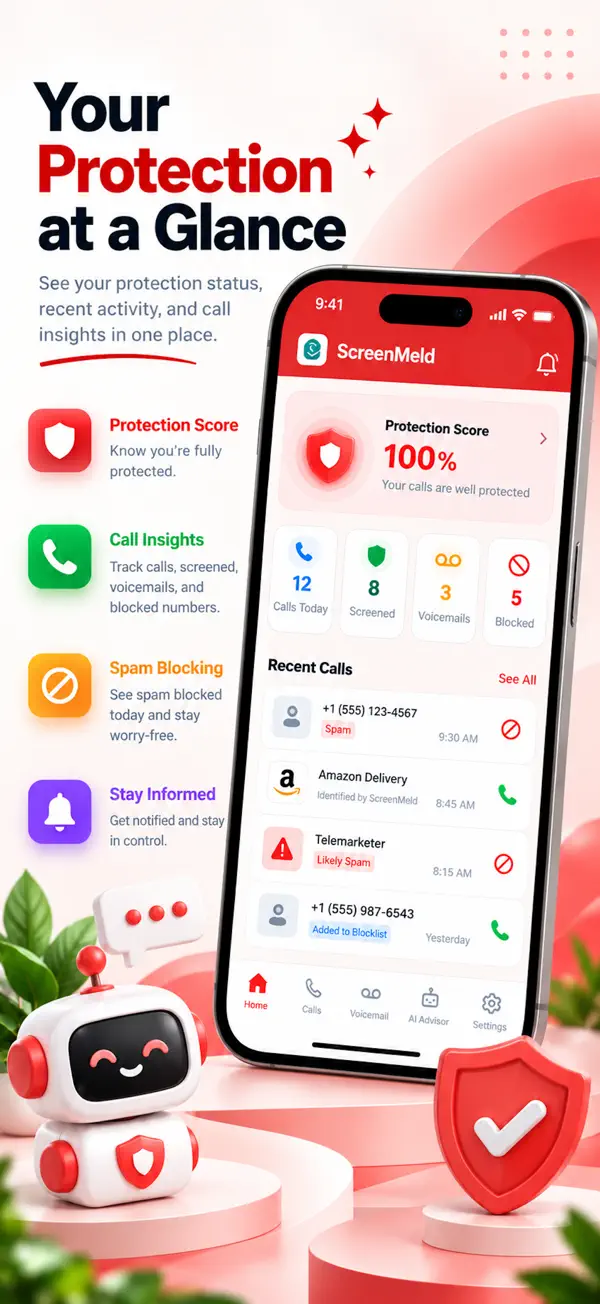
Screen Meld: Your protection at a glance
03

Your protection at a glance

The home screen shows your protection status, today’s calls, blocked numbers and recent calls with spam marked.

  • Protection score
  • Call insights
  • Recent calls with spam flagged
Screen Meld: Look up any number
04

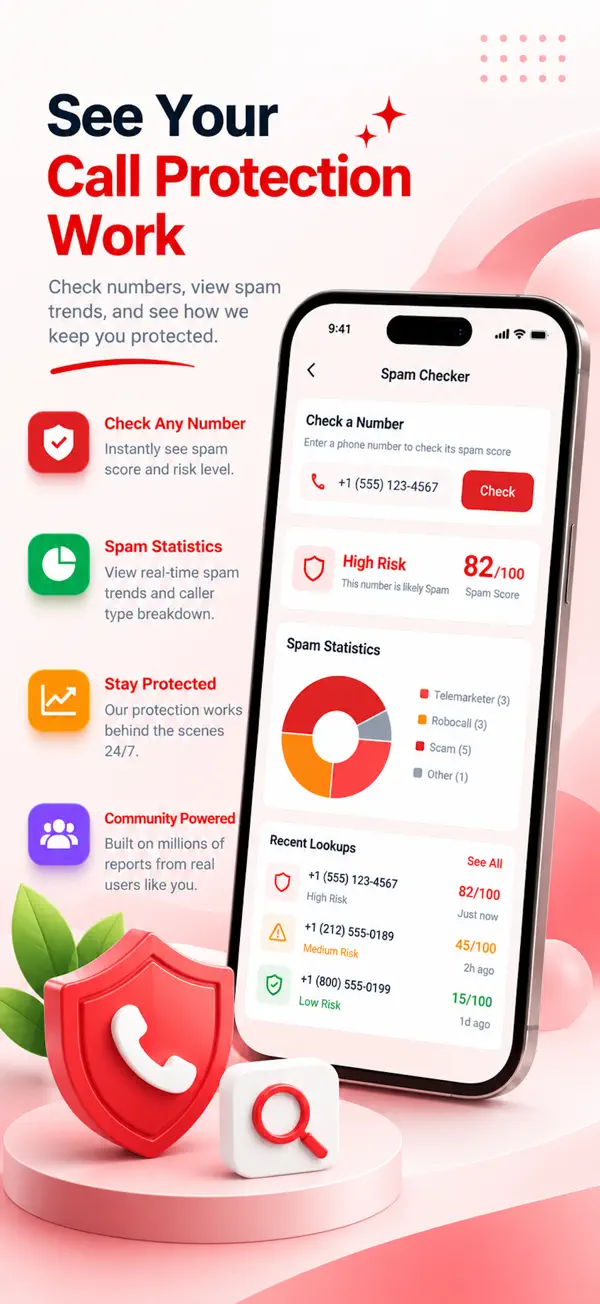
Look up any number

Check an unknown number before you call back. See its spam score and risk level, how many people reported it and what for.

  • Spam score and risk level
  • Spam statistics by type
  • Recent lookups
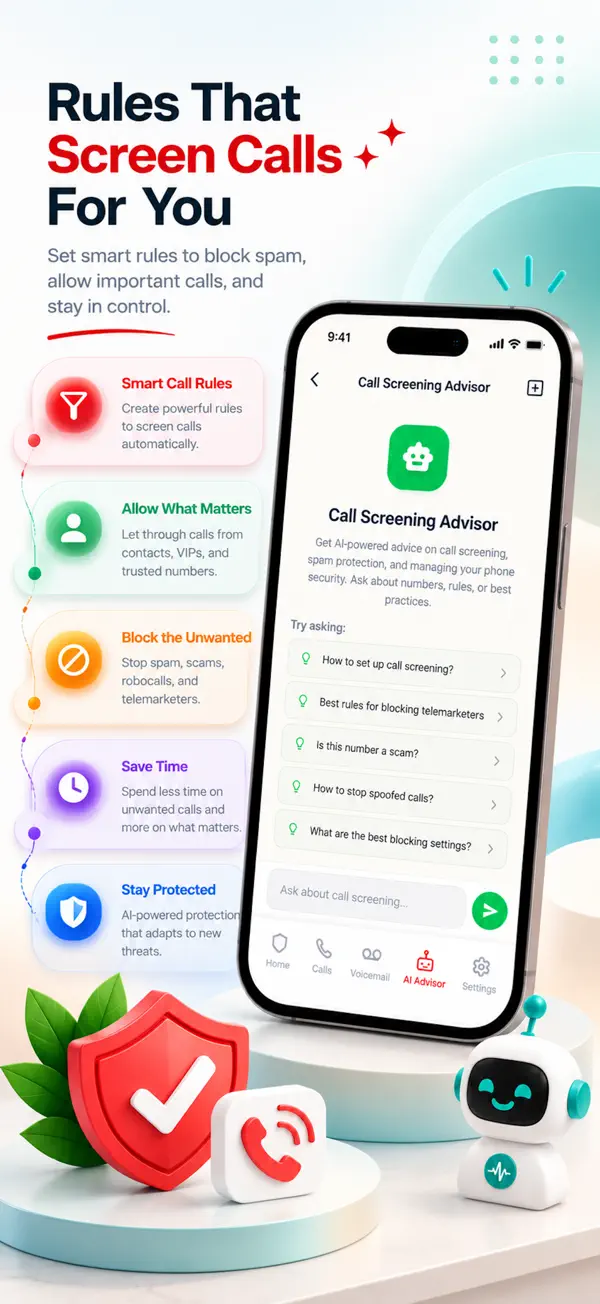
Screen Meld: AI Call Coach
05

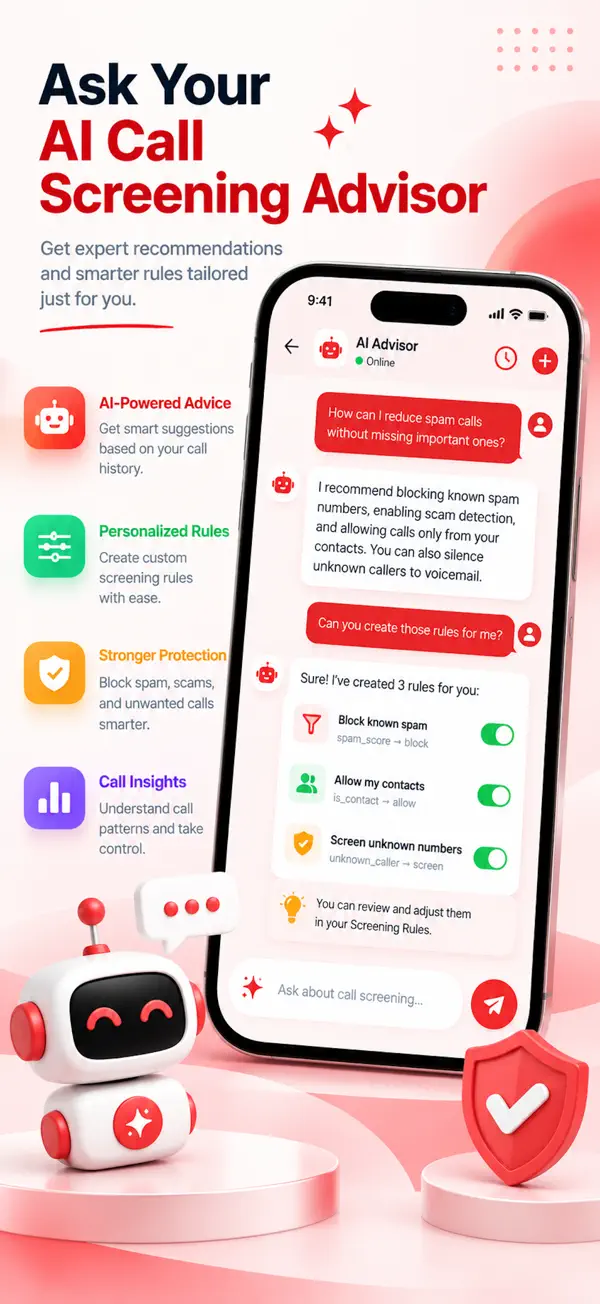
AI Call Coach

Ask whether a number is worth calling back, or learn how a scam script works before it reaches you. Straight answers, no jargon.

  • Is this number a scam?
  • How scam scripts work
  • Plain-language answers

Every screen in Screen Meld

  • Screen Meld screenshot 1
  • Screen Meld screenshot 2
  • Screen Meld screenshot 3
  • Screen Meld screenshot 4
  • Screen Meld screenshot 5
  • Screen Meld screenshot 6
  • Screen Meld screenshot 7

Also in the app

More in Screen Meld

  • Community scam database

    Built from reports by the people using the app, and refreshed in the background.

  • AI scam pattern alerts

    AI flags new scam patterns as they appear, such as gift-card demands, tax-office impersonation and family-emergency scams.

  • Number lookup

    See how many people reported a number and why.

  • Personal blocklist

    Numbers you block go to iOS, so they stay blocked even when the app is closed.

  • Secure sign-in

    Email with a 6-digit code, Google Sign-In or Apple Sign-In.

Who it’s for

Who uses Screen Meld

  • Anyone tired of robocalls

    Stop known spam numbers before the phone rings and see a label on the rest.

  • Families

    Spot fake tech support, tax-office impersonation and family-emergency scams before anyone answers.

  • People who get unknown calls

    Look up a number before you call it back and see what others reported.

Pricing

Free spam blocking, Premium for full protection

Screen Meld is free to download with core spam blocking and up to 5 blocked numbers. Premium comes with a 7-day free trial.

Download on theApp Store

Premium monthly

$7.99

per month

Premium yearly

$39.99

per year

  • Unlimited blocked numbers
  • The full community scam database on your call screen
  • Unlimited number lookups
  • AI Call Coach
  • 7-day free trial

US prices; the App Store shows the price for your country. Payment is charged to your Apple ID at confirmation of purchase. The subscription renews automatically unless cancelled at least 24 hours before the end of the current period. Manage and cancel in your App Store account settings. Any unused part of a free trial is forfeited when you buy a subscription.

Honest about what iOS allows, careful with your data

  • Apple does not let any app answer or listen to a call, so Screen Meld does not claim to. It blocks, labels and looks up numbers through the iOS call directory.
  • Your contact list is never uploaded.
  • Reported numbers are stored hashed.
  • Your data is never sold.

Screen Meld questions

What is Screen Meld?

Screen Meld is a spam call blocker for iPhone and iPad. It blocks spam and scam calls, labels suspicious callers and lets you look up unknown numbers, using a community scam database.

Is Screen Meld free?

Yes. Screen Meld is free to download with core spam blocking and up to 5 blocked numbers. Premium adds unlimited blocking, the full scam database, unlimited lookups and the AI Call Coach, with a 7-day free trial.

How much does Screen Meld Premium cost?

$7.99 a month or $39.99 a year (US prices). The App Store shows the price for your country.

Does Screen Meld work when the app is closed?

Yes. Blocking runs through iOS, so it keeps working whether or not the app is open.

Can Screen Meld answer or listen to my calls?

No. Apple does not let any app answer or listen to a call. Screen Meld blocks, labels and looks up numbers through the iOS call directory.

How do I check who called me?

Use the number lookup to see a number’s spam score, how many people reported it and what for.

Does Screen Meld upload my contacts?

No. Your contact list is never uploaded, and reported numbers are stored hashed.

Which devices does Screen Meld work on?

iPhone and iPad running iOS 15 or later. Download it from the App Store.

Screen Meld

Stop spam calls before they ring

Download Screen Meld free on the App Store and start your 7-day free Premium trial.

Download on theApp Store